The database is the part you cannot afford to lose
For most business applications, the website, the order system, the customer portal and the internal tools are all front ends to one thing: the database. Servers can be rebuilt and code can be redeployed, but the data in the database is the business. When it is slow, everything feels slow. When it is lost, nothing can replace it.
That is why databases deserve their own care rather than being treated as one more process on a server. Our database administration service exists for businesses running PostgreSQL or MySQL that do not have a dedicated DBA, and this guide explains what that care involves.
What database management actually covers
The work falls into a handful of recurring jobs:
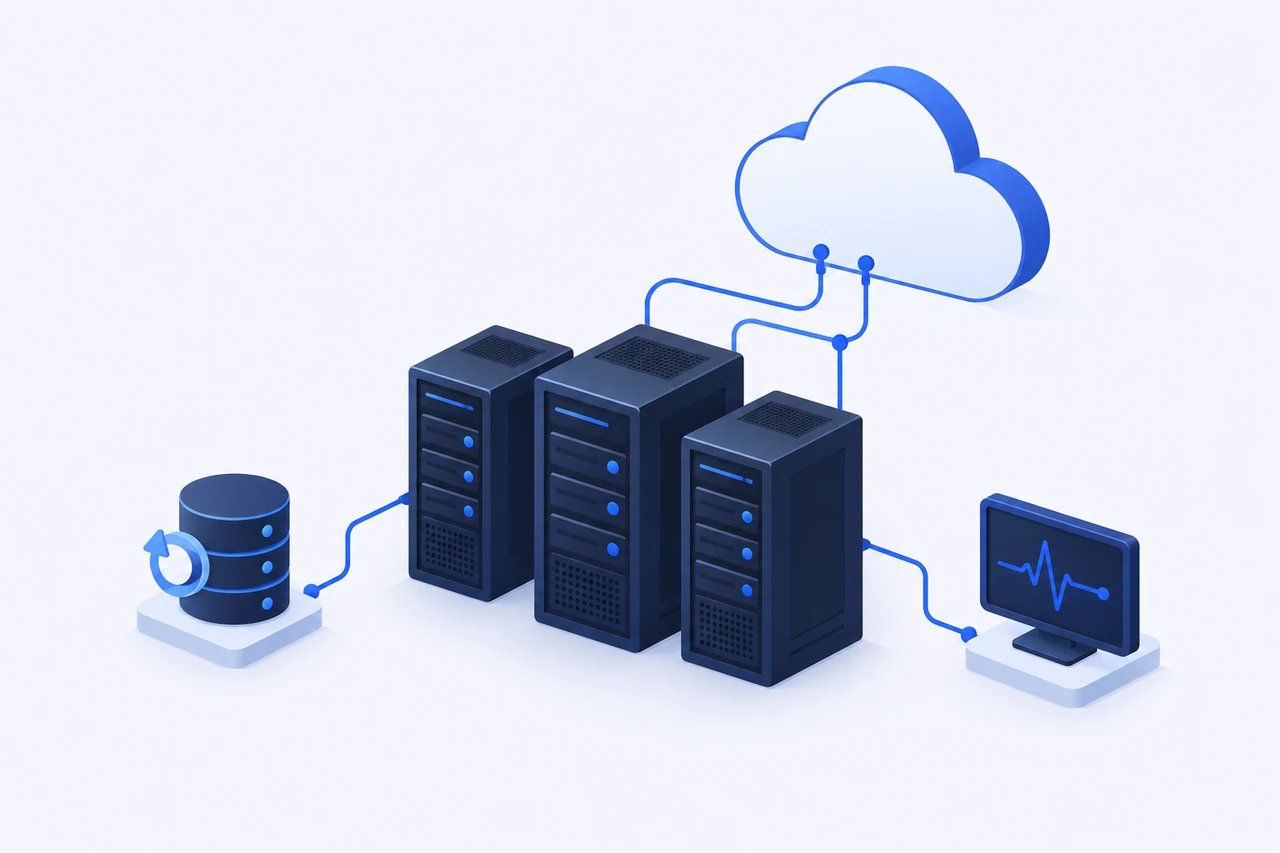
- Backups and restores: consistent backups on a schedule, stored away from the database server, with restores that have been tested
- Performance: indexes, query review and configuration tuned to how the application really uses the data
- Capacity: watching table growth, disk space and connection counts so limits are met with warning rather than an outage
- Security: restricted access, strong credentials, encrypted connections and a regular review of who can reach what
- Updates: minor version patches on a routine, major upgrades planned and tested separately
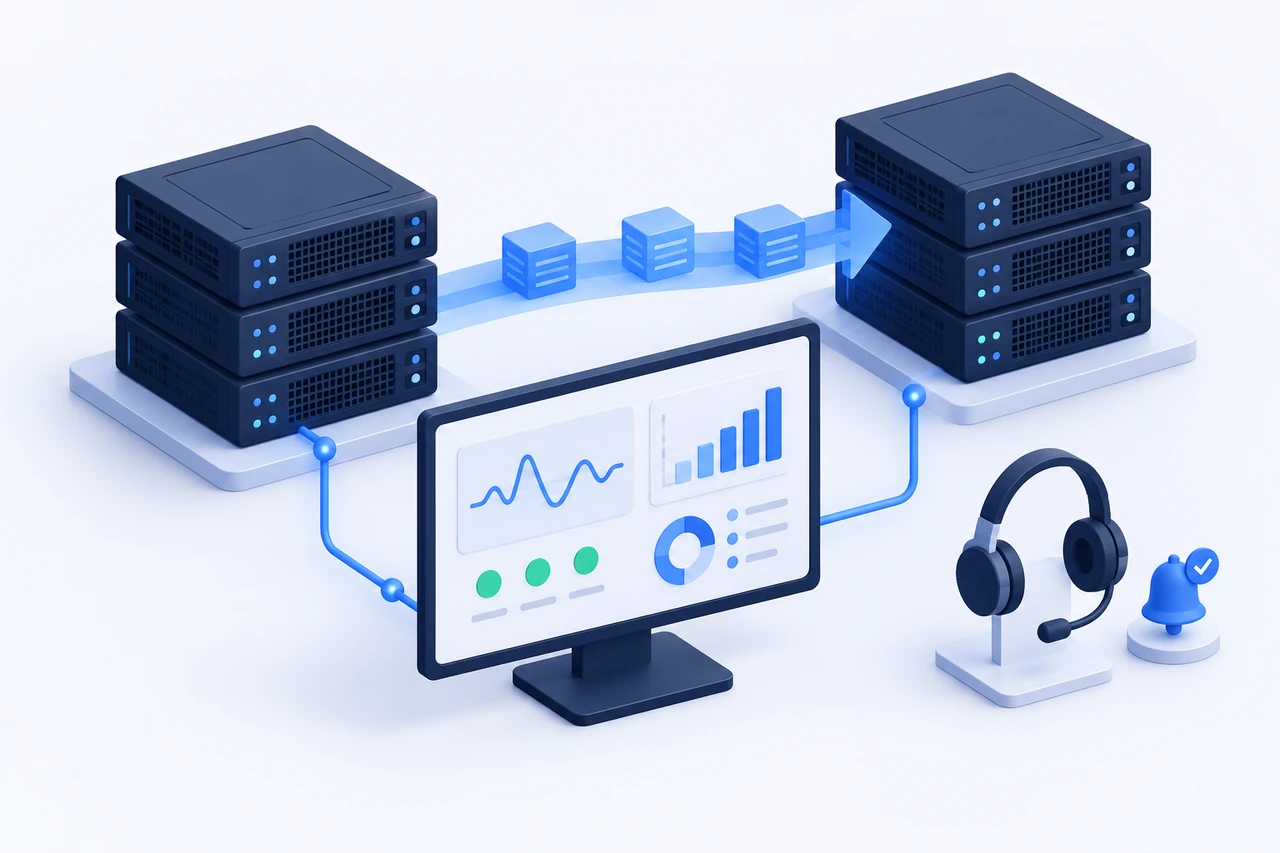
- Availability: replication or failover where the business cannot tolerate long downtime
Backups: the part most setups get wrong
Copying database files while the database is running can produce a backup that looks fine and fails on restore. A proper backup uses the database's own tools, captures a consistent point in time and, for critical systems, adds continuous logs so you can recover to a moment shortly before a problem rather than to last night.
Where the backup lives matters as much as how it is made. A copy on the same server dies with the server. Follow the 3-2-1 Backup Rule, keep at least one copy off-site, and decide how much data you can afford to lose and how long recovery may take, as described in Backup and Disaster Recovery for Calgary Businesses. Then prove it by restoring a backup into a test environment on a schedule. An untested database backup is an assumption.
Why databases get slow
A database that was quick with a few thousand rows can crawl with millions. In practice, slowness usually has a short list of causes:
- Missing or unused indexes, so the database reads whole tables for simple lookups
- A few expensive queries, often generated by the application, that run constantly
- Too many connections competing for limited memory
- Tables and logs that grew without any clean-up or archiving
- Default configuration never adjusted to the size of the server or the workload
Start with measurement, not guesses
The fastest route to a faster database is to find out what is slow. Query statistics and slow-query logs show which statements consume time. Fixing the top few usually delivers far more than buying a bigger server. Adding hardware can hide a problem for a few months and make it more expensive later.
Ongoing visibility helps too. Track disk space, connections, replication lag and slow queries as part of your server monitoring, so a trend is spotted in a review rather than during a customer complaint.
PostgreSQL or MySQL?
Both are mature, widely supported and well suited to business workloads. The right choice usually depends on your application and existing tooling more than on raw features, and switching engines on a working system is rarely worth the effort. We compare them in PostgreSQL vs MySQL for Your Application. Our team supports both from setup through tuning and backups.
Security basics for business data
Databases often hold customer details, orders and internal records, so they should never be reachable from the open internet. Allow connections only from the application servers that need them, use separate accounts with minimal permissions per application, encrypt connections and review access regularly. The server underneath matters as well, so apply the steps in our Linux Server Security Checklist.
If you store personal information, where the data lives and who can access backups is also a privacy question. Alberta businesses generally fall under the provincial Personal Information Protection Act (PIPA). We do not give legal advice, so confirm your obligations with legal counsel or your privacy officer, and we will design the technical controls around them.
When to bring in a DBA
You probably do not need a full-time database administrator, but you may need one on call if any of these apply:
- Pages or reports have slowed down as data has grown
- You are not sure when a backup was last restored successfully
- Whoever set the database up has left, and nobody is sure how it is configured
- You are planning a version upgrade, a migration or a move to the cloud
- An outage would cost the business more than a few hours of patience
- A client, insurer or auditor has asked about backups, access control or recovery
Where this fits in your wider infrastructure
Databases rarely stand alone. They live on servers that need patching and care, which we describe in Server Administration for Calgary Businesses. Moving a database is one of the riskiest parts of any migration, so it deserves the careful approach in Cloud Migration for Calgary Businesses. For the full picture of how this work fits together, see our Server & Cloud Services overview. If your database is filled by hand from paper or PDFs, read AI Document Processing for Calgary Businesses.
Call us if you are not sure your data is safe
If you cannot say when your database was last restored from backup, or why it feels slower than it used to, a short conversation is a cheap way to find out. Call us at +1 825 288 1582 and tell us what the database supports and what worries you. A senior engineer will outline the risks and what to look at first, with no obligation.
Prefer to write? Contact our Calgary team. To see how we work with local businesses, read about IT services in Calgary. Data problems are far easier to prevent than to repair, so call +1 825 288 1582 today.
This guide is part of our Server & Cloud Services coverage.
Written by YYCIT Systems Engineering
We design, deploy, and manage Linux servers, OpenStack clouds, and high-reliability systems for Calgary businesses. Direct engineering access with agreed written scopes and zero contract lock-in.