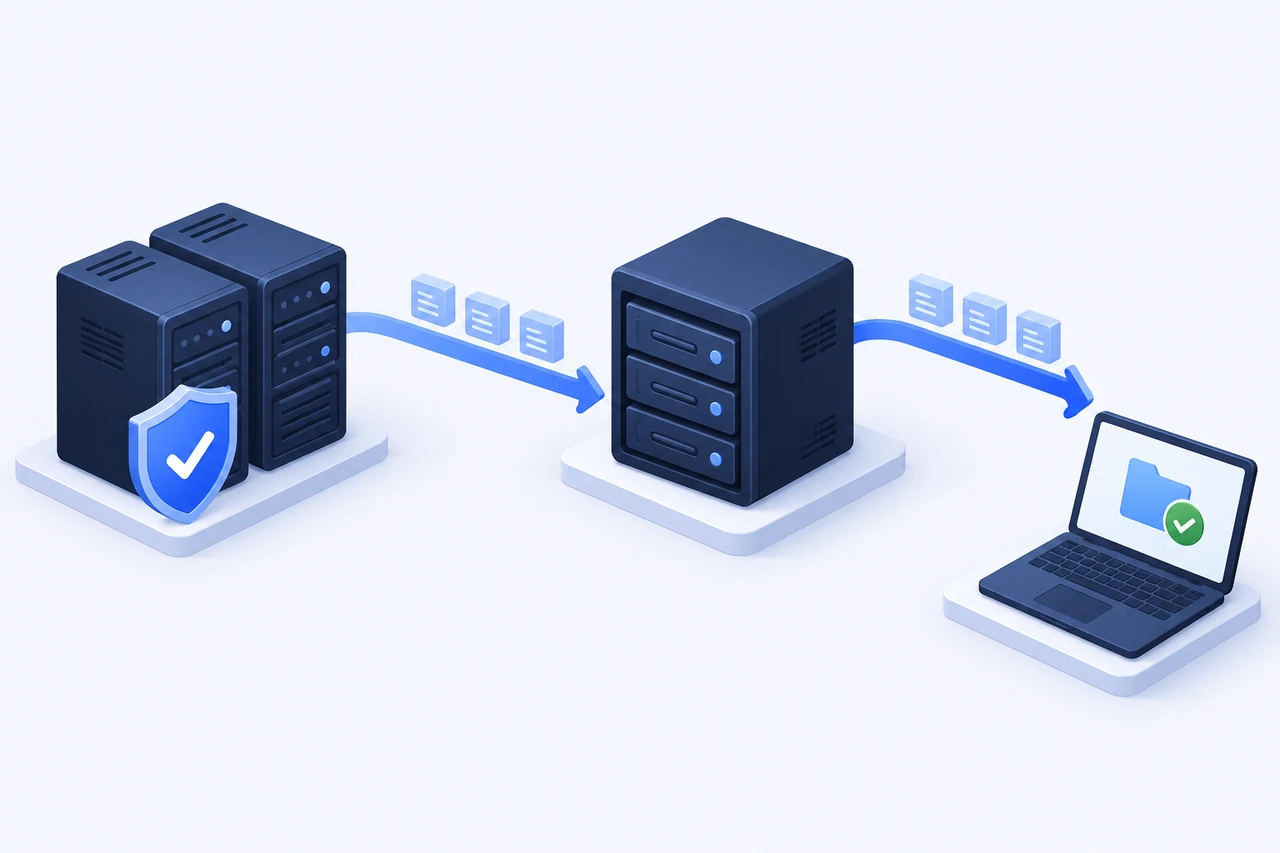
Backups are not the same as recovery
Most businesses we talk to say the same thing: "we have backups." Then we ask a second question: how long would it take to be fully working again if the main server died tonight, and who would do it? That is where the conversation gets quiet. A backup is a copy of data. Disaster recovery is the plan, the tested steps and the people that turn that copy back into a working business.
The gap between the two is where small and mid-sized businesses get hurt. A drive fails, a deploy goes wrong, someone deletes a shared folder, or ransomware encrypts a file server. The data may exist somewhere, but nobody knows which copy is good, where the credentials are, or what order to restore things in. Our backup and disaster recovery service is built around closing that gap.
Start with two numbers: RPO and RTO
Before choosing any tool, decide what the business can tolerate. Two terms do most of the work:
- RPO (recovery point objective): how much recent data you can afford to lose. An RPO of 24 hours means a nightly backup is enough. An RPO of 15 minutes means you need much more frequent copies or replication.
- RTO (recovery time objective): how long the business can be down before the damage becomes serious. A design firm might live with a day. An order-taking system might not.
- Different systems get different targets. Accounting, email, the line-of-business database and a shared drive of old projects rarely deserve the same treatment, and sizing each one separately keeps the bill honest.
Build on 3-2-1, then add the parts people skip
The baseline is the 3-2-1 rule: three copies of your data, on two kinds of storage, with one copy off-site. We cover it in detail in The 3-2-1 Backup Rule, Explained for Real Servers. For a Calgary business, a sensible layout usually looks like this:
- A fast on-site copy (local snapshots or a backup server) for the everyday case: a deleted file or a bad update that needs a restore in minutes
- An encrypted off-site copy in a different location, so fire, theft, flooding or a building-wide power problem cannot take out both production and backup
- At least one copy that ransomware cannot reach: offline, or immutable so it cannot be changed or deleted for a set retention period
- Backups of the things people forget: databases dumped consistently, server configuration, DNS records, and the credentials and keys needed to rebuild
Ransomware changes the checklist
Ransomware does not only encrypt your files. It looks for your backups too. A backup drive that is permanently mounted on the same network, or a cloud bucket reachable with the same admin credentials, can be encrypted or deleted alongside production.
The practical defences are unglamorous: separate credentials for the backup system, no shared admin accounts, immutable or offline copies, and monitoring that tells a human when a backup job fails or suddenly changes size. Hardening the servers themselves matters just as much, so the Linux Server Security Checklist and a steady patch cadence belong in the same plan. Backups are your last line of defence, not your first.
Test the restore, or you do not have a backup
A backup that has never been restored is an assumption. Silent failures are common: a script that skips a directory, a database dump that is corrupt, permissions that only break on restore, an encryption key nobody wrote down. None of them show up until the day you need the data.
A workable testing routine is small and scheduled: restore a sample of files every month, restore a full system or database into a scratch environment every quarter, and record how long it took. That recorded time is your real RTO, and it is often longer than people assumed. Keep the steps in a written runbook so recovery does not depend on one person remembering them. Continuous visibility helps too, which is why backup health belongs in your server monitoring, with alerts that reach a person rather than an unread inbox.
Where your data lives matters in Canada
If you hold customer or employee personal information, where backups are stored and who can access them is part of your privacy obligations, not only an IT detail. Alberta businesses generally fall under the provincial Personal Information Protection Act (PIPA), and some clients or contracts add their own requirements about storage location and retention.
We do not give legal advice, so confirm your specific obligations with your lawyer or privacy officer. What we can do is design the technical side around them: encrypted copies, a chosen storage location, documented retention, and access limited to named people. Your retention policy should be set by those requirements and by how far back you realistically need to restore, not by a generic default.
Disaster recovery is part of bigger IT decisions
Backup planning rarely stands alone. If you are moving off an aging server, a tested backup is the safety net for the cutover, which is covered in How to Migrate Off a Legacy Server Without Downtime. If your databases are the heart of the business, restores need to be consistent and verified, which our database administration work addresses. If you would rather have recovery handled as part of day-to-day IT for your office, it is included in our backup and business continuity work under Managed IT.
Teams that want to keep files and services on their own hardware can also look at ITbox, our self-hosted office platform, which includes backups as part of the stack. For the wider picture of how these pieces fit together, see our Server & Cloud Services overview.
A short plan you can start this week
You do not need a large project to improve your position. Start with these steps, in order:
- List your critical systems and write down an honest RPO and RTO for each
- Check that every one has an off-site copy and at least one copy an attacker could not delete
- Restore one real file and one real database into a test location, and time it
- Write down who does what, where the credentials live and the order systems come back in
- Schedule the next test, and set an alert for failed or missing backup jobs
Call us before a failure makes the decision for you
Not sure whether your backups would actually bring the business back? Do not wait for a failure to find out. Call us at +1 825 288 1582 and describe your setup in a few minutes: what you run, where the data lives and how long you could be down. A senior engineer will tell you plainly where the gaps are and what to fix first, with no obligation.
Prefer to start in writing? Contact our Calgary team and we will get back to you. If you want to see who you would be talking to and where we work, read about IT services in Calgary. The best time to test a recovery plan is before the day you need it, so call +1 825 288 1582 today.
This guide is part of our Server & Cloud Services coverage.
Written by YYCIT Systems Engineering
We design, deploy, and manage Linux servers, OpenStack clouds, and high-reliability systems for Calgary businesses. Direct engineering access with agreed written scopes and zero contract lock-in.