Virtualization with KVM & Proxmox
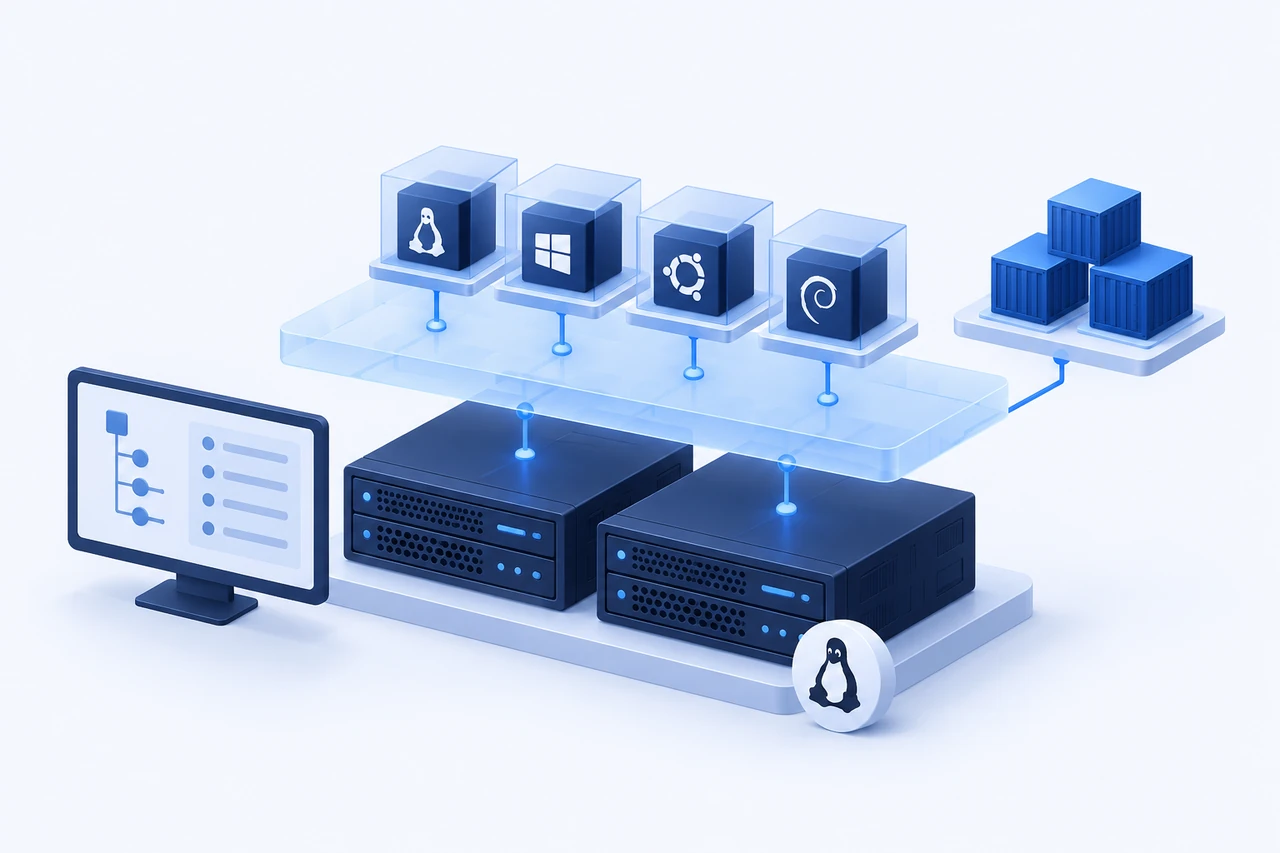
Rising software licensing fees and forced subscription bundles have led many organizations to re-evaluate their hypervisor strategy. We provide expert proxmox support Calgary businesses trust to build, cluster, and manage high-performance KVM virtualization on their own hardware. Whether you are migrating off legacy VMware ESXi, consolidating aging bare-metal servers into isolated virtual machines, or configuring resilient ZFS storage pools, we deliver enterprise-grade virtualization without recurring per-core license fees. Run production workloads on modern open-source hypervisors with predictable performance and local Calgary technical support.
Why it matters
Eliminate ongoing per-core hypervisor license fees
Recent industry acquisitions have dramatically increased VMware licensing fees for small and mid-sized businesses, frequently doubling or tripling renewal costs. Proxmox VE and KVM provide enterprise-grade virtualization features—including live cluster migration, high-availability fencing, software-defined networking, and scheduled backups—without recurring per-core software fees. Your hardware remains completely under your ownership.
Workload isolation and maximum hardware consolidation
Running all business applications on a single bare-metal operating system means one bad software update or security compromise threatens the entire company. KVM virtualization isolates services into independent virtual machines and lightweight LXC containers, dramatically reducing blast radiuses while extracting maximum return on investment from your existing server hardware.
Full data sovereignty on your own Calgary premises
Unlike public cloud infrastructure where virtual machines run on shared multi-tenant hardware in remote data centers, a local Proxmox environment gives you complete physical custody over your data. For Alberta companies subject to regulatory or client data residency constraints, on-premises KVM virtualization provides full compliance.
Who this is for
- Companies seeking a reliable VMware alternative in Calgary to eliminate soaring Broadcom licensing renewal costs without sacrificing enterprise features.
- Businesses consolidating multiple underutilized physical servers onto a high-availability, clustered Proxmox VE environment with shared storage.
- Engineering and software development teams requiring clean operating system isolation between production applications, staging databases, and internal testing environments.
- Organizations requiring scheduled, deduplicated virtual machine backups with rapid disaster recovery rollbacks using Proxmox Backup Server (PBS).
- IT departments looking to modernize their on-premises office infrastructure with Linux Containers (LXC) for lightweight, low-overhead application hosting.
What is included
- Proxmox VE hypervisor installation, initial security hardening, enterprise repository configuration, and Debian kernel tuning
- High-availability cluster setup with Corosync quorum voting, automated watchdog fencing, and shared storage integration
- Live virtual machine migration between cluster nodes without application downtime, network drops, or dropped user sessions
- ZFS storage pool architecture (mirrored vdevs, raidz2) with dataset encryption, scheduled snapshot policies, and ARC memory tuning
- Software-defined virtual networking: Linux bridges, bonded LACP interfaces, 802.1Q VLAN network tagging, and NAT routing
- Proxmox Backup Server (PBS) integration for fast, deduplicated, client-side encrypted VM and container backups with quick restore tests
- Seamless VM conversion and cutover from legacy VMware vSphere, Hyper-V, and Xen environments to open-source KVM
- Resource allocation tuning: CPU core pinning, NUMA topology optimization, memory ballooning, and I/O disk limits for predictable performance
Process and written scope
1. Workload Audit & Capacity Sizing
We audit existing physical or virtual machines, analyzing CPU core utilization, RAM commitments, storage IOPS patterns, and network throughput to design a right-sized Proxmox host or multi-node cluster topology.
2. Hypervisor Installation & ZFS Storage Setup
We install Proxmox VE on bare-metal hardware, configure redundant ZFS or Ceph storage pools, establish isolated management and migration VLANs, and configure auto-renewing SSL certificates for the web console.
3. Workload Migration & Staging Validation
Virtual machine disk images are converted from vmdk or vhdx to raw or qcow2 formats, booted in an isolated staging network to verify driver stability, and scheduled for production cutover with minimal downtime.
4. Automated Backup Integration & Recovery Testing
We configure automated backup policies to Proxmox Backup Server, establish retention rules, test live VM restore drills, and document emergency failover and disaster recovery runbooks for your team.
Practical guide & common pitfalls
Common Pitfall: Misaligned ZFS ashift on modern storage drives
Creating a ZFS storage pool with default ashift=9 on modern 4Kn or 512e SSD/NVMe drives causes severe write amplification and degraded IOPS performance. We ensure pools are explicitly configured with ashift=12 or ashift=13 to match physical drive sectors perfectly, maximizing NVMe write endurance and database throughput.
Troubleshooting Guide: VMware to Proxmox storage driver transition
When migrating Windows or Linux VMs from VMware ESXi, missing VirtIO storage and network drivers can prevent guest operating systems from booting (resulting in INACCESSIBLE_BOOT_DEVICE errors). We inject VirtIO SCSI and network drivers prior to cutover to guarantee seamless, first-time boot on KVM.
Backup Strategy: Proxmox Backup Server incremental deduplication
Traditional full VM image backups waste storage capacity and saturate local networks. We configure Proxmox Backup Server (PBS) to perform client-side deduplication and incremental tracking via QEMU dirty bitmaps, reducing nightly backup windows from hours to seconds while saving up to 80% of storage.
Cluster Health: Corosync quorum requirements and two-node pitfalls
Running a two-node Proxmox cluster without an external quorum device (QDevice) creates a split-brain risk where nodes cannot agree on cluster state during network partitions. We always deploy an odd-numbered quorum design or lightweight QDevice to ensure automated high-availability fencing operates reliably.
Rates
$115–$150 per hour
Virtualization with KVM & Proxmox in Calgary. Fixed-scope project quotes are available on request, and scope and cost are confirmed in writing before work starts.
Frequently asked questions
Proxmox VE or bare libvirt/virsh, which do I need?
Proxmox VE is recommended if you want an intuitive web management console, multi-node clustering, and built-in backup scheduling. Bare libvirt is often a better fit for a single, lightweight host with no plans to scale beyond a couple of VMs.
Can you migrate an existing VMware or Hyper-V setup to KVM?
Yes, we handle the full conversion and cutover. We stage and test the converted VMs on an isolated virtual network before the final cutover, ensuring a verified rollback path is always in place.
Does virtualization introduce noticeable performance overhead?
KVM overhead is minimal (typically under 2% for compute workloads). With VirtIO paravirtualized drivers, CPU pinning, and direct NVMe storage pass-through, performance is virtually indistinguishable from bare metal.
How is Proxmox virtualization support billed?
Work is billed by the hour at our published $115 to $150 rate with a detailed written estimate and scope agreed upon before deployment begins. No ongoing monthly licensing fees.
Do you support Proxmox Backup Server (PBS) setup?
Yes. We configure dedicated or remote Proxmox Backup Server instances with encrypted datastores, verify daily deduplicated backup jobs, and schedule automated test restores.
Often paired with this
Web hosting & server setup
Nginx/Apache stacks, SSL, deploy pipelines and staging environments configured and kept running.
Docker & container services
Docker images and Compose stacks built and kept running, without turning into a pile of undocumented containers.
AWS & cloud services
EC2, RDS, S3 and VPC architecture, right-sized for a growing business, not an enterprise bill.
Talk to us about virtualization with kvm & proxmox
Describe your setup and what is bothering you. You get a straight answer on scope and cost, not a sales script.