The work nobody wants to do
Many businesses still have people typing information from one place into another: supplier invoices into accounting software, work orders into a job system, application forms into a spreadsheet. It is slow, it is dull, and small keystroke mistakes are easy to make and hard to find.
AI document processing aims to take the retyping off your team. Software reads a document, picks out the fields you care about and passes them to the system that needs them, with a person checking what is uncertain. Our AI document processing service builds these workflows for Calgary businesses, and this guide explains what to expect before you commit.
How the process works
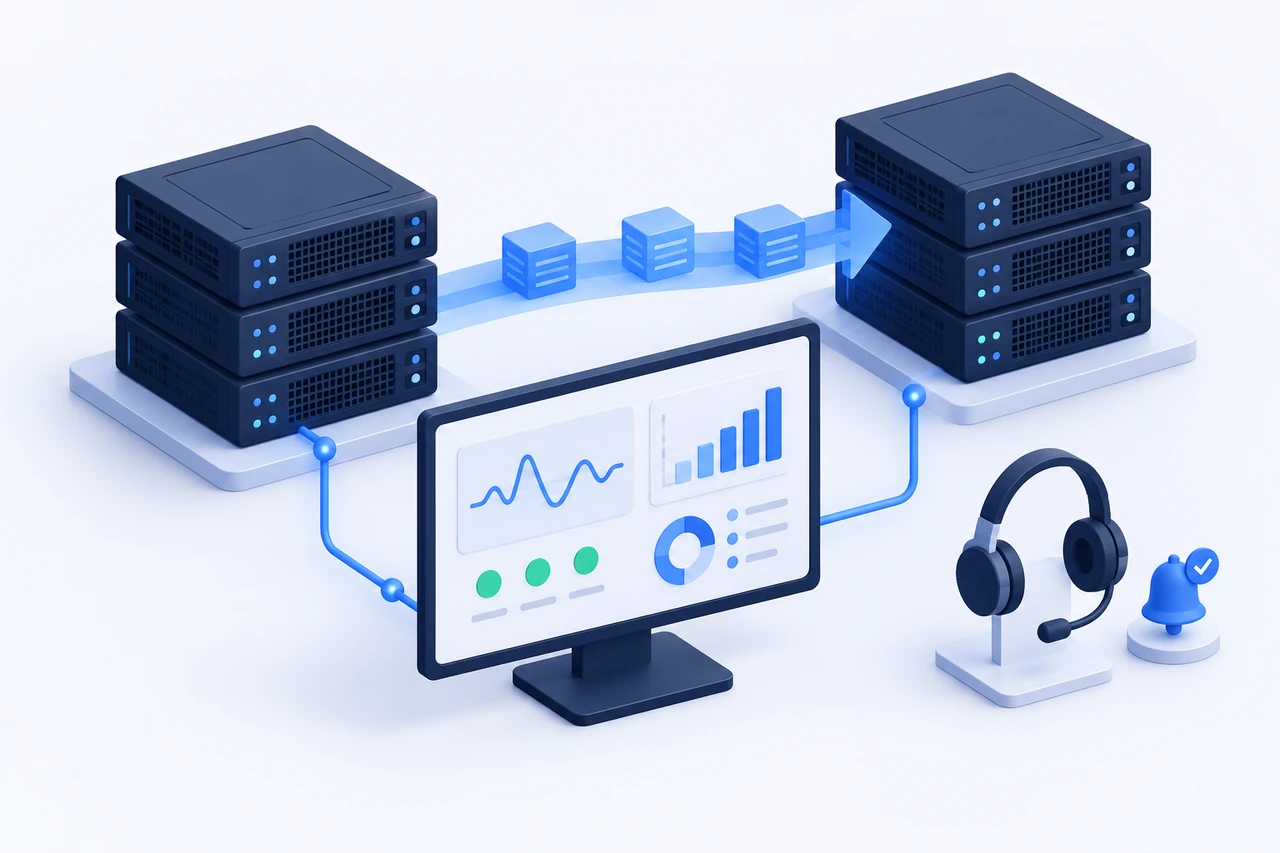
A dependable setup is a pipeline rather than a single tool:
- Intake: documents arrive from an email inbox, a shared folder or a scanner
- Reading: text recognition and AI models extract fields such as vendor, date, line items, taxes and totals
- Validation: rules check the result, for example that line items add up to the total or that a purchase order number exists
- Review: anything uncertain or failing a rule goes to a person, shown next to the original document
- Export: approved data goes into your accounting, job or business system
Where it tends to help
Good candidates share a few traits: a steady volume of documents, the same kind of information each time and a clear place for the result to go. Common examples include:
- Supplier invoices and receipts for accounts payable
- Delivery slips, bills of lading and dispatch sheets
- Inspection logs and work orders from field staff
- Applications, intake forms and lease documents
Where it fails or needs care
No extraction system is perfect, and it is safer to plan around that than to be surprised. Expect difficulty with blurry or shadowed phone photos, difficult handwriting, unusual layouts, damaged scans and documents where the meaning depends on context outside the page. Language models can also produce a value that looks plausible but is wrong.
That is why validation and human review matter. Automated checks catch arithmetic and mismatches, and a reviewer decides anything uncertain. For payments, legal documents and anything with real consequences, keep a person in the loop and record who approved what. If your documents arrive rarely and are all different, the manual process may remain the better choice.
Privacy and where your documents go
Invoices, forms and applications often contain personal and financial information. Before sending them to any AI service, find out where the data is processed and stored, how long it is retained, whether it is used to train models and who can access it. Alberta businesses generally fall under the provincial Personal Information Protection Act (PIPA), and client contracts may add requirements.
We do not give legal advice, so confirm your obligations with legal counsel or your privacy officer. Where documents should stay under your control, processing can run on your own hardware or private infrastructure through our private AI infrastructure service. The same concerns apply to AI search across your files, covered in Private Knowledge Assistants: Querying Business Docs Without Data Leaks.
Start small and measure
The best first project is narrow. Pick one document type with a clear owner and a measurable pain, then test before you build:
- Collect a representative sample, including the messy documents, not only the clean ones
- Write down the fields you need and the rules that make a result correct
- Test extraction on the sample and count which fields need correction
- Measure how long the manual process takes today, so you can compare honestly
- Run alongside the old process until you trust the results
Connect it to the way you work
Extracting data is only useful if it lands somewhere. Decide early which system receives it, what happens to exceptions and who owns the process. Wider automation between systems is the subject of our workflow automation service, and helping staff adopt new routines is covered in AI operations and adoption.
Do not overlook the basics underneath. The documents and extracted data need backups and a recovery plan, as described in Backup and Disaster Recovery for Calgary Businesses, and if the results are stored in a database, the care covered in Database Management for Calgary Businesses applies.
Not sure it is worth it?
A short assessment is a sensible first step: which documents, what volume, what it costs you in time today and what could go wrong. That is what our AI readiness assessment looks at, and you can see the wider picture on the AI Solutions page.
Call us about your paperwork
If your team is retyping documents, tell us about it. Call us at +1 825 288 1582 and describe the documents and where the data needs to go. A senior engineer will give you a plain view of whether automation is likely to help and what to test first, with no obligation.
Prefer to write? Contact our Calgary team. To see how we work with local businesses, read about IT services in Calgary. A small test on real documents will tell you more than any sales pitch, so call +1 825 288 1582 today.
This guide is part of our AI Solutions coverage.
Written by YYCIT Systems Engineering
We design, deploy, and manage Linux servers, OpenStack clouds, and high-reliability systems for Calgary businesses. Direct engineering access with agreed written scopes and zero contract lock-in.