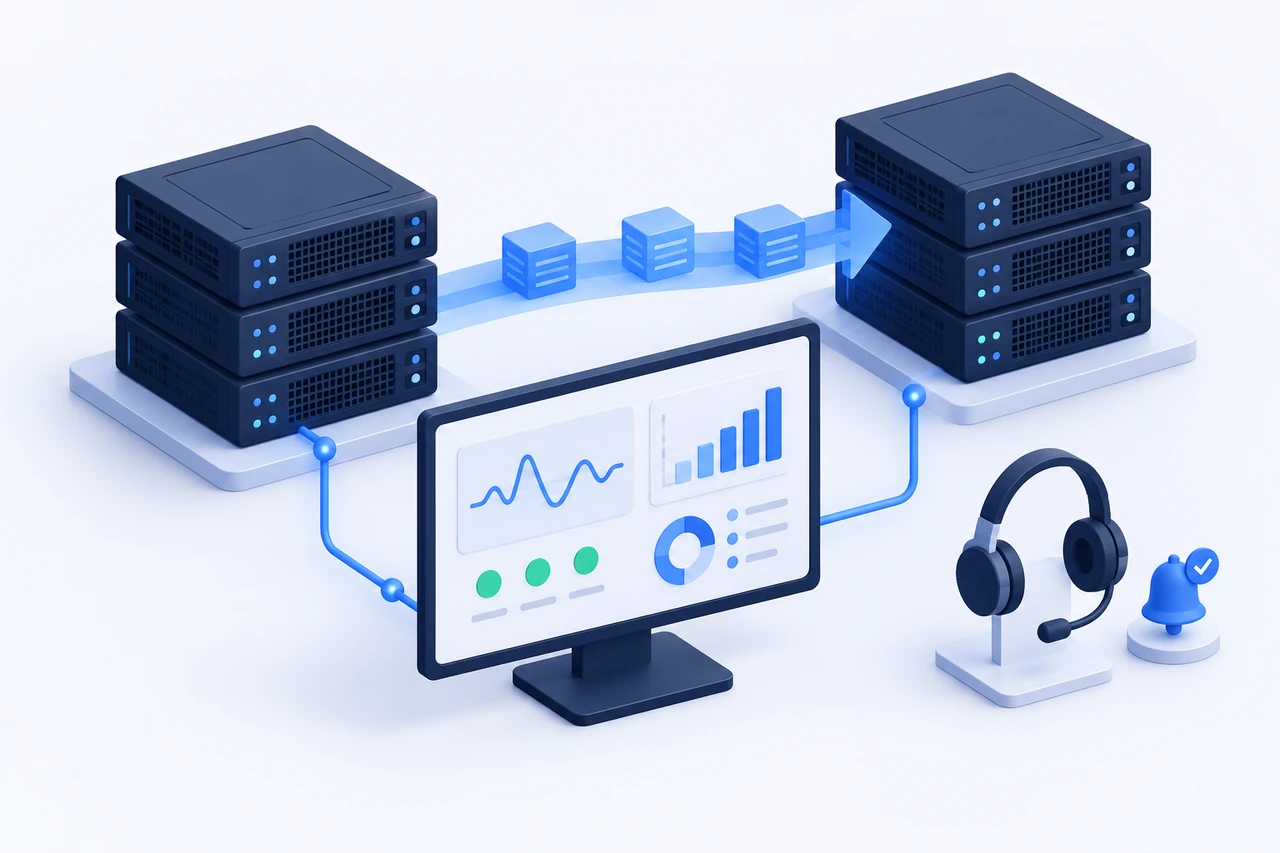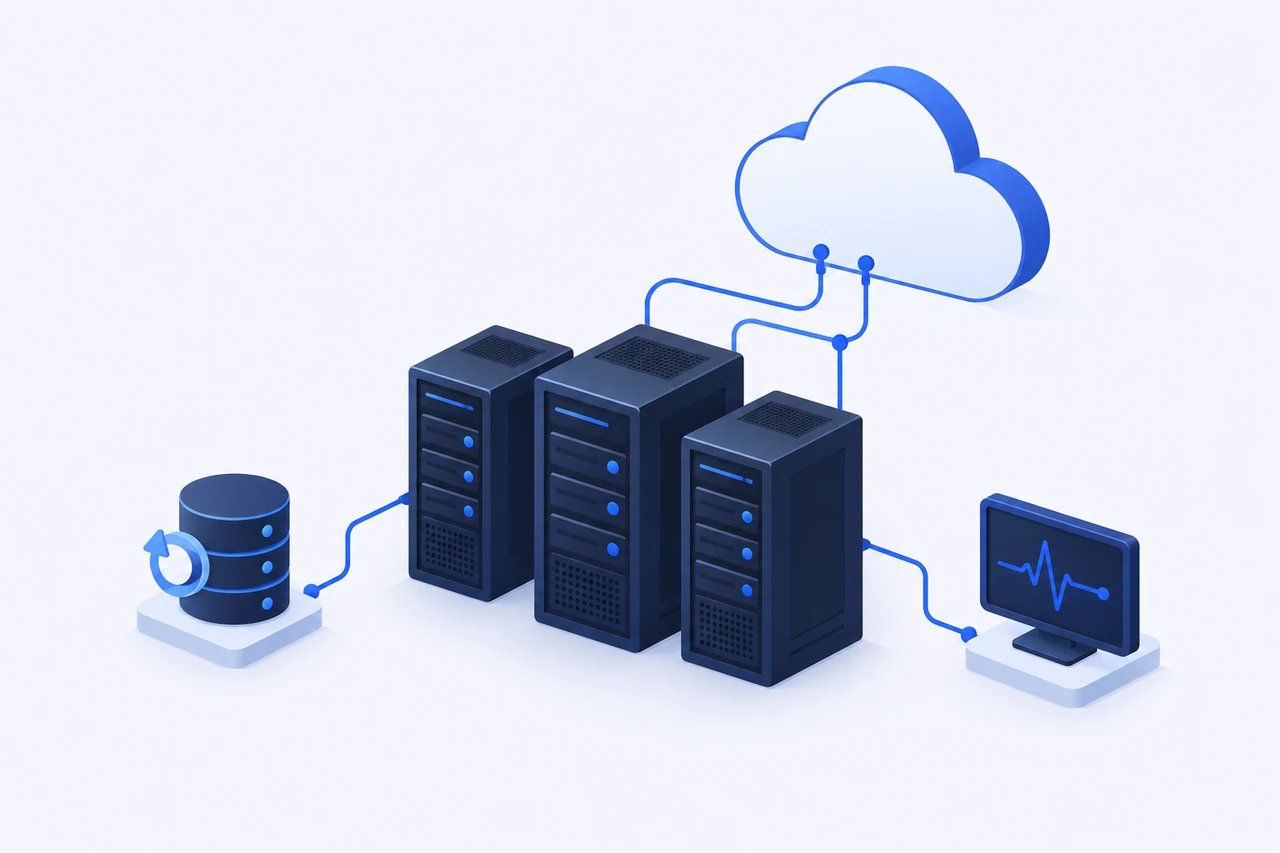
A migration is a business project, not a copy job
When a business says it wants to "move to the cloud," the request usually hides several different projects. It might be retiring an aging office server before it fails. It might be leaving a hosting provider that is changing terms or shutting down. It might be moving from one cloud to another because the bill stopped making sense. Each has different risks, and treating them all as "copy the data over" is how migrations turn into outages.
The technical work is the easy part to describe. The harder part is deciding what moves, in what order, who confirms it works and how you get back if it does not. That planning is the core of our migration services, and it is what separates a scheduled maintenance window from an unplanned outage.
Before anything moves: assess what you actually run
Most migration surprises come from things nobody knew were running. A scheduled script on the old server, a hard-coded IP address in another system, a certificate that renews by hand, a mailbox that an accounting tool depends on. A short, honest inventory before you start prevents most of them:
- Every application, database and scheduled job on the current environment, with an owner for each
- Dependencies between systems: what talks to what, over which ports, using which credentials
- How much data there is, how fast it changes and how long a transfer will realistically take
- What breaks the business if it is unavailable, and for how long that is tolerable (the same RTO thinking we use for backup and disaster recovery)
- Anything with licensing, compliance or contractual limits on where it can run
Choose the path: four common approaches
There is no single correct way to move. The right approach depends on how much change you can tolerate and what you want at the other end:
- Rehost (lift and shift): move the workload as it is onto cloud virtual machines. Fastest, lowest risk of behaviour changes, but it carries old problems with it and does not automatically save money.
- Replatform: move and make targeted improvements, such as a managed database or a modern operating system version. A good balance for most small and mid-sized businesses.
- Re-architect: rebuild parts of the application to suit the new environment. Worth it only when there is a clear business reason, because it is the slowest and most expensive path.
- Move to private or self-hosted infrastructure: sensible when cost predictability or data control matters more than public-cloud convenience. See Private Cloud With OpenStack: When AWS Is Not an Option.
Plan the cutover and the way back
A good cutover is boring. The new environment is built and tested in parallel, data is synchronised repeatedly so the final sync is small, and the switch itself is a short, scheduled step. Several details do most of the work:
- Lower DNS TTL values days ahead, so traffic follows the change quickly and can be pointed back just as quickly
- Run a full dry run in a staging copy and fix what it exposes before the real window
- Verify the transfer, not only the copy: compare checksums, record counts and application behaviour, not just file sizes
- Pick the cutover window with the people who use the system, and agree the expected downtime in advance rather than promising none
- Write the rollback plan before you start, including how long it takes and the point after which it is no longer possible
Do not forget the safety net
Never begin a migration without a verified backup of the source. It is your insurance if something is corrupted in transit, and it is the one thing you cannot create after a failure. We cover the full approach in The 3-2-1 Backup Rule, Explained for Real Servers, and the practical sequence for retiring old hardware in How to Migrate Off a Legacy Server Without Downtime.
Keep the old environment running, read-only if possible, until the new one has proven itself through a full business cycle, such as a month-end close. Decommissioning too early is a common and avoidable regret.
Where your data will live
For businesses holding personal information, the location and control of data is a real decision, not a footnote. Alberta organizations generally fall under the provincial Personal Information Protection Act (PIPA), and clients or contracts may add requirements of their own. Many cloud providers offer Canadian regions, but a region alone does not answer every legal question about who can access data or under which country's laws.
We are not lawyers, so confirm your specific obligations with legal counsel or your privacy officer before choosing a provider and region. What we handle is the technical side: where data is stored, how it is encrypted, who holds the keys and how access is logged and limited.
Count the costs after the move, not only before
Cloud bills are made of many small line items, and they drift upward after a migration unless someone is watching. Oversized instances, forgotten storage, data transfer charges and unattached resources add up quietly. Plan a review soon after the move and again on a regular schedule, using the approach in our AWS Cost Creep Checklist. If you run on AWS, our AWS cloud services work covers right-sizing and ongoing review.
Once the new environment is live, it also needs the basics every server needs: hardening, a patch routine and monitoring. The Linux Server Security Checklist and Server Monitoring 101 are good starting points. If you would prefer someone else carry that day-to-day, see managed server and cloud infrastructure, and for the wider picture our Server & Cloud Services overview.
Planning checklist before you commit
If you are weighing a migration, these questions will tell you quickly whether you are ready:
- Do we have a full inventory of systems, dependencies and scheduled jobs?
- Have we decided which migration path fits our goals and tolerance for change?
- Is there a verified, restorable backup of everything that moves?
- Has the cutover been rehearsed, with an agreed window and a written rollback plan?
- Do we know where the data will live and who is responsible for it afterwards?
Call us before you pick a date
If you are thinking about a move, the most useful conversation happens before anything is booked. Call us at +1 825 288 1582 and tell us what you run today and what is driving the change. A senior engineer will help you see the risks, the realistic options and what to settle first, with no obligation.
Prefer to write? Contact our Calgary team and we will reply. To see how we work with local businesses, read about IT services in Calgary. A migration is far easier to plan calmly than to rescue, so call +1 825 288 1582 today.
This guide is part of our Server & Cloud Services coverage.
Written by YYCIT Systems Engineering
We design, deploy, and manage Linux servers, OpenStack clouds, and high-reliability systems for Calgary businesses. Direct engineering access with agreed written scopes and zero contract lock-in.