The problem with a stack of subscriptions
A ten- or twenty-person company tends to accumulate IT services one at a time: a VPN for remote work, a file-sharing service, a chat tool, a video tool, a shared calendar, a hosted phone system. Each is billed per seat, each has its own logins, and none of them knows about the others. Onboarding or offboarding someone means visiting half a dozen admin pages, and the bill grows with every hire.
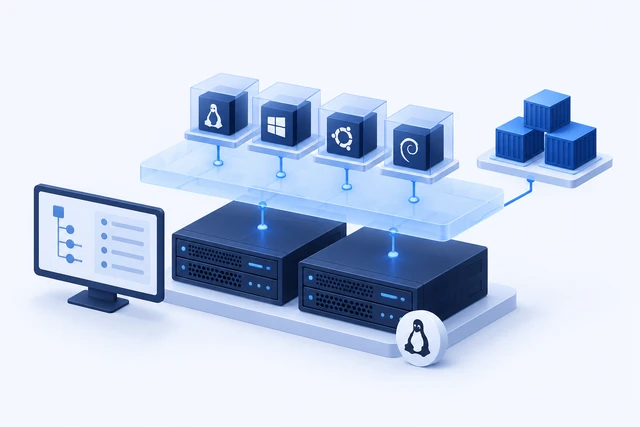
ITbox is our answer to that. It is a self-hosted, web-based platform that runs as a set of Docker containers on a single server. Services are installed as independent modules from a built-in Module Store, so a company only runs what it actually needs.
What you can install today
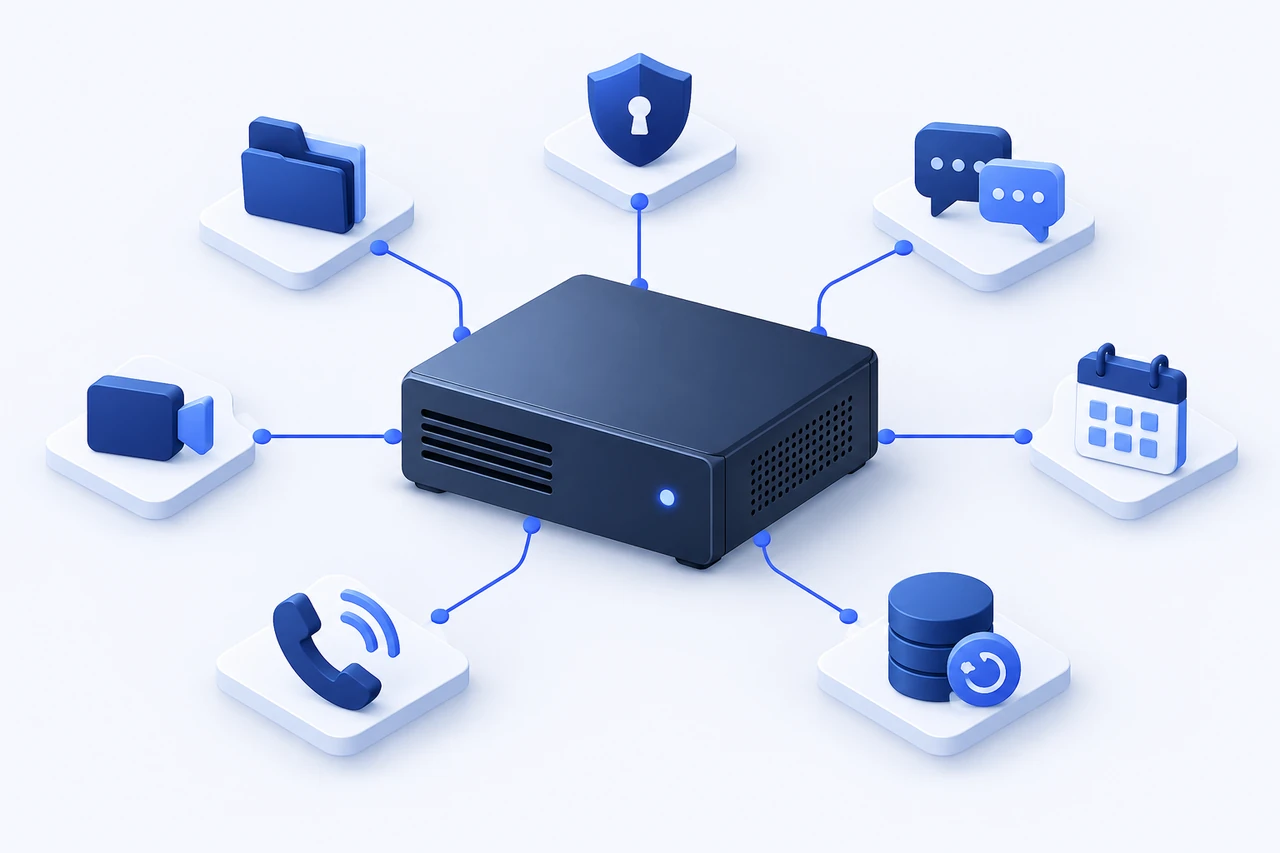
The current module catalog covers the everyday needs of a small office:
- VPN: a self-hosted WireGuard mesh VPN (NetBird), optionally giving remote staff access to the whole office network
- Identity: a company directory (OpenLDAP) managed from ITbox's own Users panel, which other modules build on
- File share: network storage over WebDAV that mounts as a drive in Windows Explorer, macOS Finder or Linux
- Object storage: S3-compatible storage (Garage) for backups and file retention
- Wiki: an internal knowledge base with revision history and per-page permissions
- Chat: group and direct messages with file sharing and presence
- Video calls: self-hosted Jitsi Meet, linkable straight from a chat
- Calendar: a shared company calendar plus a personal one per employee, also subscribable from native calendar apps
- Phone system: an Asterisk-based office PBX with extensions, a main number that rings a group, voicemail, a call log, an outside SIP line and a "press 1 for IT" phone menu
- Compute mesh: remote power control (on, off, restart) for office computers that support Intel AMT
Built to be run by people who are not sysadmins
Every third-party admin interface is replaced with ITbox's own panel, so adding an employee, granting VPN access or resetting a password is a button, not a config file. Staff get a separate employee portal with the wiki, chat, calendar, their phone setup and the company directory, and never see the admin side.
Installation is one command on a fresh Ubuntu or Debian server: the installer sets up Docker, asks for the admin account and the domain, and starts everything. Once it is up, you log in and switch on modules from the Module Store. Identity is usually the first one to install, since most of the others use it for sign-in.
Data safety and visibility
ITbox is designed so that upgrading never costs you data. Before any database migration or module update, the platform takes a full database snapshot and refuses to continue if that fails. Module updates also keep a copy of the module's files and data volumes, and if the new version does not come up healthy the old one is put back automatically.
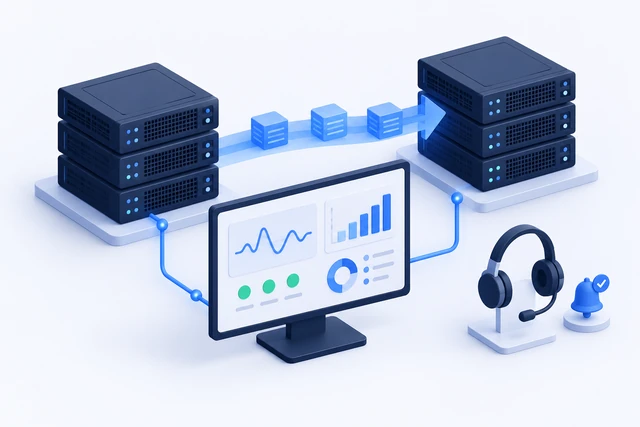
Two logs help with day-to-day accountability. The audit log records who changed what, is append-only and tamper-evident, and cannot be rewound by a restore. The system log records what the platform and its modules did: a module going down or recovering, an update succeeding or rolling back, a backup finishing or failing. Module output can be viewed and downloaded with passwords and keys masked.
The installer can also set up a host firewall that trusts the office network and the VPN, and exposes only the ports remote users need to the internet. The phone system's SIP and audio ports stay reachable from inside addresses only. For enterprise virtualization needs beyond office productivity, compare self-hosting with a Private Cloud with OpenStack.
What it runs on
ITbox is meant for modest hardware: a low-power mini PC, an old office desktop or a small VPS. A small team using VPN, file share, chat and wiki is comfortable on 2 cores, 4 GB of RAM and 60 GB of storage. The full module set with everyday video calls, for up to about 25 people, is better served by 4 cores, 8 GB of RAM and a 250 GB SSD. Only storage really grows with the business.
One practical note for the phone system: it runs on the server's own network and binds to its LAN IP, so give the server a fixed address, for example with a DHCP reservation on your router.
Where we come in
ITbox is open-source software with no per-seat fees, so you can install it yourself. If you would rather not, we set it up on your server or ours, configure the modules you need, and provide upgrades and ongoing support at the same hourly rate as our other services. See the ITbox page on this site for the full module list, or get in touch and tell us what you are paying for today. Our ITbox self-hosted office platform bundles VPN, storage, file sharing, chat, and backups into one server you own and control.
Written by YYCIT Systems Engineering
We design, deploy, and manage Linux servers, OpenStack clouds, and high-reliability systems for Calgary businesses. Direct engineering access with published $115–$150/hr rates and zero contract lock-in.