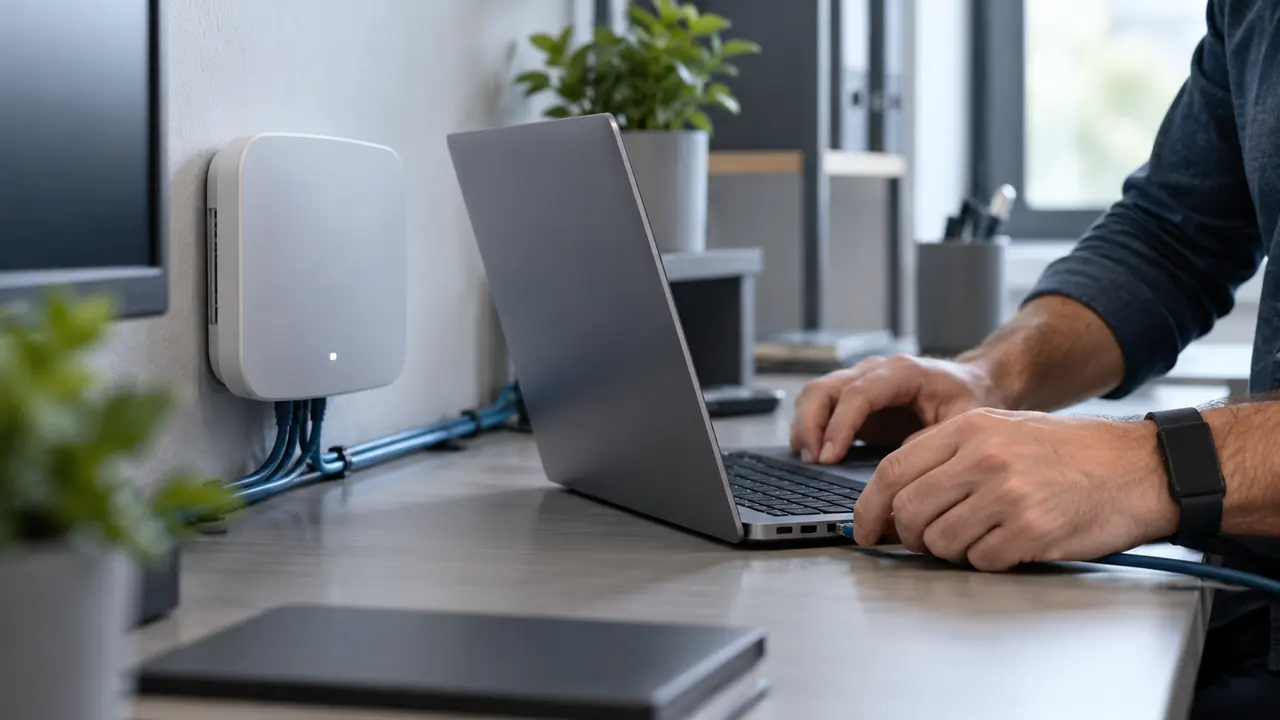
The gap between paper security policies and workstation reality
Most cybersecurity breaches affecting small and mid-sized businesses do not begin with sophisticated nation-state exploits against hardened firewalls. They start with an unpatched PDF reader on an employee laptop, a forgotten local administrator account, an unencrypted lost hard drive, or a phishing email that bypasses single-factor authentication. Writing an acceptable-use policy in an employee handbook achieves nothing if workstation configurations do not enforce those boundaries automatically.
For growing teams across Calgary, device management often evolves haphazardly. Staff purchase laptops from retail stores, set up personal Microsoft or Apple IDs, install miscellaneous productivity utilities, and retain full local administrative rights. Closing these operational gaps requires moving from ad-hoc troubleshooting to a disciplined endpoint security baseline enforced across every workplace computer.
- Eliminating permanent local administrator privileges that allow malware to install quietly
- Enforcing full-disk hardware encryption (BitLocker and FileVault) with centralized key escrow
- Standardizing multi-factor authentication across all identity providers and local logins
- Automating third-party application patch lifecycles, not just core operating system updates
Core baseline controls: encryption and privilege separation
The first essential control is full-disk encryption. A stolen or misplaced laptop containing unencrypted customer data, payroll records, or cached email databases represents an immediate reportable privacy breach under Canadian PIPEDA regulations. Enabling BitLocker on Windows or FileVault on macOS ensures that physical possession of the machine does not grant access to raw storage. However, encryption is only reliable if recovery keys are escrowed in a secure, central repository rather than stored on loose sticky notes.
The second control is enforcing the principle of least privilege. When employees perform daily email, browsing, and document editing from accounts with administrative permissions, any malicious executable inherits complete system control. Creating dedicated local standard user accounts for everyday work while reserving elevated credentials for verified administrative tasks neutralizes the vast majority of automated endpoint exploits.
A disciplined patch cadence for third-party software
Operating system vendors have made core updates relatively seamless, but attackers rarely target the Windows or macOS kernel directly. Instead, they exploit unpatched third-party runtimes and everyday applications: outdated Chromium browsers, obsolete Zoom clients, neglected PDF viewers, and unmaintained developer tooling.
A dependable endpoint cadence separates low-risk browser updates from major operating system version upgrades. Browsers and internet-facing runtimes should update automatically within 48 hours of security errata releases. Major operating system feature updates (such as annual OS upgrades) should be scheduled during planned maintenance windows after verifying line-of-business software compatibility. Under our structured managed security and access controls, we track patch compliance across your fleet with documented audit histories.
Structured employee onboarding and departure checklists
Security incidents frequently correlate with employee turnover. When an employee departs, lingering access to shared cloud drives, unrevoked VPN profiles, or unrecovered company laptops create persistent vulnerabilities. A dependable departure process revokes centralized directory access in under 15 minutes, disables active session tokens, and executes a remote cryptographic wipe of corporate partitions on mobile devices.
Similarly, new employee onboarding should follow a standardized device image. Rather than spending half a day manually installing software on a retail laptop, workstations should be provisioned with pre-configured security agents, verified endpoint protection, mapped company shares, and restricted user permissions before the employee's first morning. Through our IT support and device management service, new starter setups are predictable and repeatable.
Where professional IT management fits
Maintaining endpoint security across 10 to 50 workstations requires continuous tracking rather than annual cleanups. If your company already employs an internal technician, our co-managed IT services can assist with advanced security baseline enforcement, leaving your in-house staff to handle daily user requests. If you run without dedicated internal IT, we provide structured, scope-first workstation maintenance backed by clear written estimates and zero contract lock-in. Devices are only as safe as the network they join, so see Office Network and Wi-Fi for Calgary Businesses.
This guide is part of our Managed IT Services coverage.
Written by YYCIT Systems Engineering
We design, deploy, and manage Linux servers, OpenStack clouds, and high-reliability systems for Calgary businesses. Direct engineering access with agreed written scopes and zero contract lock-in.